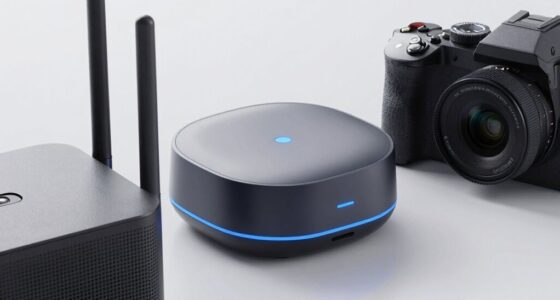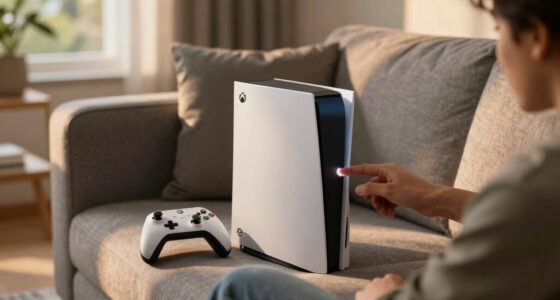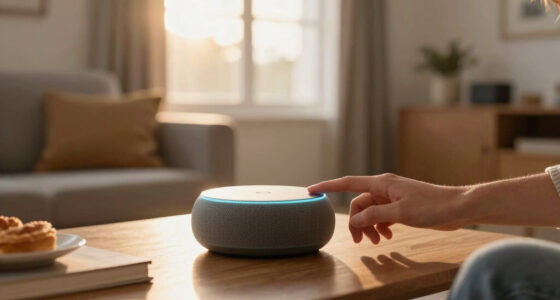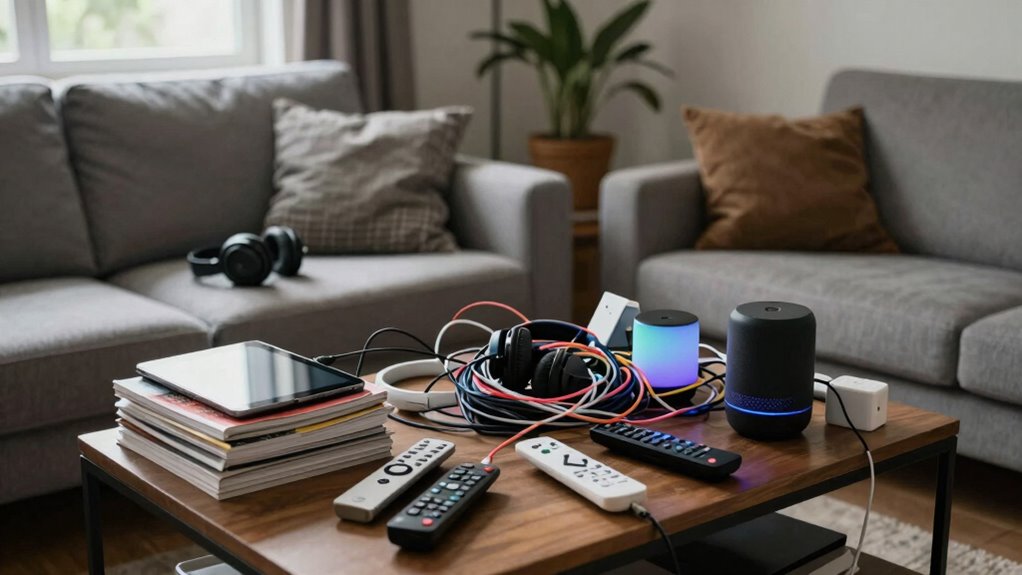

Home tech turns into clutter when you don’t organize devices, cables, and accessories properly, creating chaos and limiting efficiency. Without designated spots, devices and cords pile up, making your space look messy and confusing. Regularly review and declutter your setup, use cable management tools, and create dedicated charging stations. If you keep things tidy and follow smart organization tips, your space can stay functional and neat. Keep going to discover more ways to keep your tech clutter-free.
Play games included with Prime
Start a Prime free trial and play with Amazon Luna on your devices.
As an affiliate, we earn on qualifying purchases.
Key Takeaways
- Unorganized devices and excess accessories create visual chaos and reduce accessibility.
- Cable sprawl and tangled cords pose safety risks and contribute to clutter.
- Lack of designated storage leads to misplaced gadgets and accessories.
- Ignoring routine maintenance allows tech clutter to accumulate over time.
- Redundant or unused devices add unnecessary bulk and complicate organization efforts.
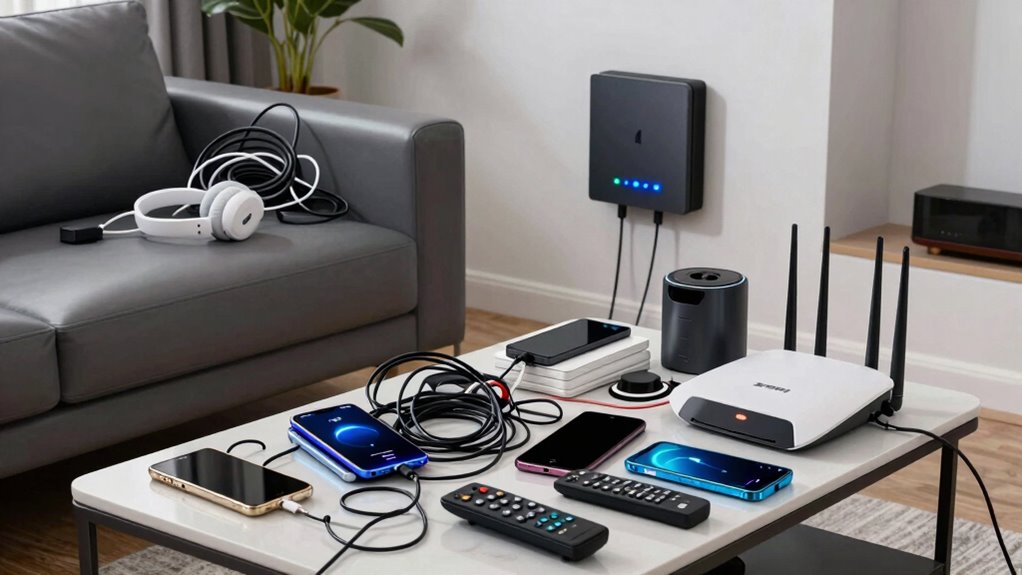
In today’s connected world, it’s easy for home tech to quickly turn into clutter that overwhelms your space and hampers your daily life. Devices like smart speakers, tablets, and connected appliances are convenient, but without proper smart device organization, they can pile up and create chaos. The key is to develop simple systems that keep your devices accessible yet discreet. Use designated spots for each gadget, such as a specific shelf for your smart speaker or a drawer for chargers and accessories. Labeling cables and devices helps you find what you need quickly and prevents the mess from spreading.
Organize your home tech with designated spots, labels, and discreet storage to keep clutter at bay and improve everyday efficiency.
Cable management techniques are essential for maintaining a tidy environment. Tangled cords not only look messy but also pose safety risks. Start by unplugging any devices you no longer use, then gather the remaining cables. Use cable clips or adhesive hooks to run cords along the edges of your furniture or walls. Velcro straps or twist ties keep excess length neatly coiled, preventing tangling and making it easier to add or remove devices later. Consider investing in a cable management box or a cable sleeve to hide multiple cords in one place. This keeps surfaces clear and reduces visual clutter. Incorporating cable organization into your routine can also help prevent future messes. Regularly reviewing your device setup can also help you identify opportunities to streamline and reduce excess tech.
Beyond physical organization, it’s smart to streamline your device usage. Regularly evaluate which gadgets are essential and which ones have become redundant. Unplug and store away devices that aren’t used daily; this declutters your space and reduces the number of cables you need to manage. Keep chargers and adapters in a dedicated container or drawer so they’re not scattered across countertops or desks. When you set up new devices, plan their placement strategically to minimize cable length and avoid clutter buildup. Implementing digital decluttering practices can also help you maintain a cleaner, more organized environment, both physically and digitally.
Another tip is to incorporate smart device organization into your daily routine. Create a dedicated charging station where all your devices can rest when not in use. This not only keeps cords contained but also encourages you to put everything back in its place, preventing the buildup of loose wires. Use cable management tools that match your décor, so your tech remains accessible without sacrificing aesthetics. Additionally, understanding home tech clutter and how to control it can significantly improve your space’s overall organization and functionality. Making a habit of regularly tidying and reevaluating your tech setup ensures that clutter doesn’t accumulate over time.
As an affiliate, we earn on qualifying purchases.
Frequently Asked Questions
How Do I Decide Which Gadgets Are Truly Necessary?
To decide which gadgets are truly necessary, focus on your daily routines and identify tech necessity. Conduct a gadget evaluation by asking if each device genuinely enhances your life or simplifies tasks. Avoid impulse purchases and prioritize multifunctional devices. If a gadget doesn’t serve a clear purpose or save time, it’s probably unnecessary. This approach helps you keep clutter at bay while ensuring your tech adds value instead of chaos.
What Are the Best Ways to Store Unused Tech Accessories?
You should use wireless storage options and modular organizers to keep unused tech accessories tidy. Wireless storage keeps devices charged and accessible without cluttering your space, while modular organizers let you categorize and store cables, earbuds, and chargers neatly. Regularly declutter and assign specific spots for accessories, so you can easily find what you need and prevent tech clutter from piling up. This keeps your home tech organized and clutter-free.
How Often Should I Review and Declutter My Devices?
You should review and declutter your devices every six to twelve months. During this time, check for device expiration, software updates, and relevance to your needs. This helps reduce your digital footprint and prevents unused tech from piling up. Regularly evaluating your devices guarantees you’re not holding onto outdated gadgets or files, keeping your space tidy and efficient. Staying proactive minimizes clutter and maintains your tech ecosystem’s health.
Are There Minimalist Tech Options to Reduce Clutter?
Cutting through the clutter, you can opt for minimalist tech options like sleek smart home devices with clean lines and simple interfaces. Look for multi-functional gadgets that serve multiple purposes, reducing excess. Focus on tech aesthetics that blend seamlessly into your home decor, making devices less eyesores. By choosing streamlined, less-is-more options, you keep your space tidy and tech-savvy without feeling overwhelmed—a picture-perfect balance of form and function.
How Can I Prevent New Devices From Piling Up?
To prevent new devices from piling up, focus on smart home integration and device lifecycle management. Before adding new tech, evaluate if it truly enhances your home. Regularly update or retire outdated devices, and consolidate functions through integrated systems. Keep a record of devices, and set a schedule to review and manage your tech. This proactive approach helps you stay organized and avoids unnecessary clutter from accumulating over time.
Conclusion
To keep your home tech from turning into clutter, stay intentional with your devices and regularly declutter. Limit your gadgets to those you truly need and use, and establish designated spots for everything. Remember, a tidy home is a happy home—”A place for everything, and everything in its place.” By staying mindful, you can enjoy the benefits of smart technology without being overwhelmed by chaos.
Fall yard work Picks
leaf blowers
As an affiliate, we earn on qualifying purchases.