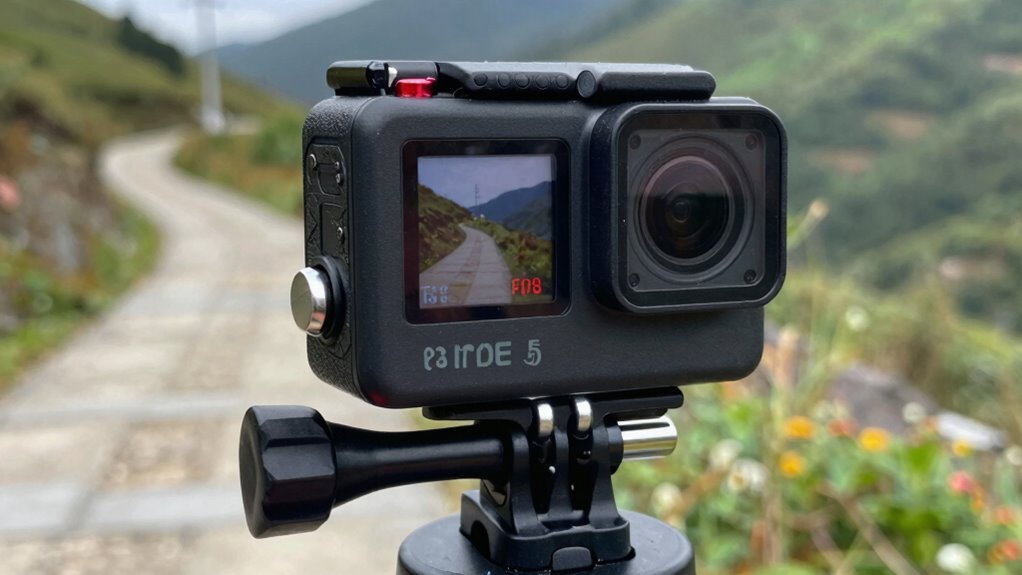

To improve your action footage, focus on matching your frame rate (FPS) and shutter speed. Shooting at higher FPS like 60 or 120 enhances smoothness and stability, especially during fast movement, while setting your shutter speed to double the FPS prevents motion blur. Adjusting these settings based on lighting conditions and activity can dramatically improve clarity and professionalism. Keep experimenting with these tweaks, and you’ll discover how small changes can make a big difference.
Key Takeaways
- Use higher frame rates (60fps or 120fps) for smoother footage and better stabilization during fast activities.
- Set shutter speed to double the frame rate (e.g., 1/120s for 60fps) to balance motion clarity and reduce blur.
- Adjust shutter speed for lighting conditions: slower in low light, faster in bright sunlight to prevent overexposure.
- Increasing ISO or opening the aperture helps in low light, but keep ISO low to avoid noise.
- Properly configuring frame rate and shutter speed enhances stabilization and overall video quality.
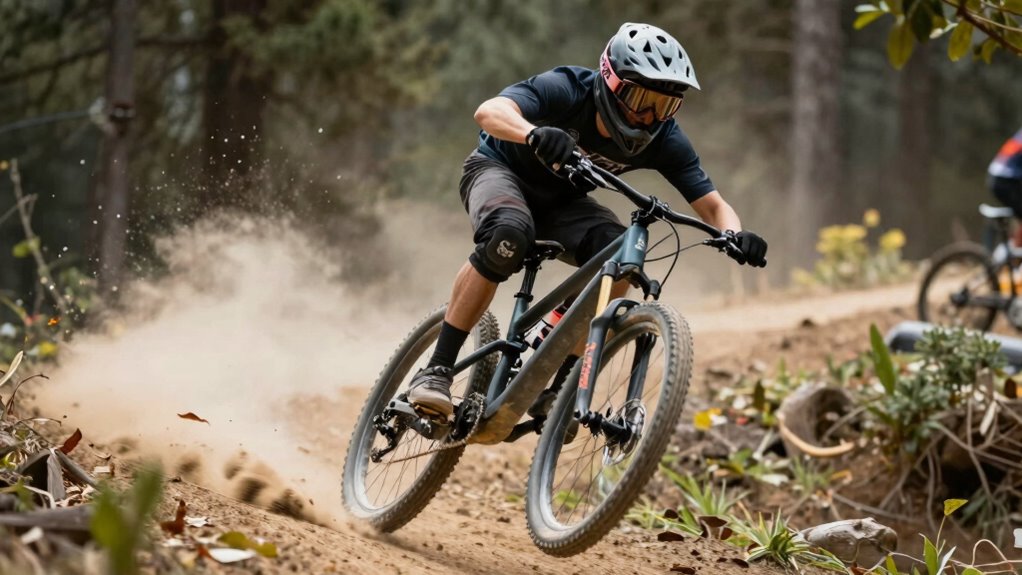
Choosing the right action camera settings is essential to capturing sharp, smooth footage during your adventures. One of the most impactful adjustments you can make involves tweaking your frame rate and shutter speed, which directly influence the quality and feel of your videos. When focusing on video stabilization, setting a higher frame rate, like 60fps or even 120fps if your camera allows, helps produce smoother footage, especially when you’re in motion. The extra frames provide more data for stabilization algorithms to work with, reducing shaky footage and delivering a more professional look. This becomes especially important when you’re recording fast-paced activities like mountain biking or surfing, where even minor jitters can detract from the experience.
Higher frame rates and balanced shutter speeds enhance stabilization for smoother, more professional action footage.
Additionally, your shutter speed plays a critical role in stabilizing footage. A good rule of thumb is to set your shutter speed to double your frame rate—so, for 60fps, aim for around 1/120 second. This balance helps prevent motion blur and keeps your footage crisp, enhancing video stabilization and making your videos look more polished. Keep in mind, if you’re shooting in bright sunlight, you might need to decrease your shutter speed slightly to avoid overexposure, but maintaining that double frame rate rule is a solid starting point for smooth, stable videos.
Low light performance is another key consideration when setting your action camera. In dim conditions, increasing your ISO or opening your aperture (if adjustable) can help gather more light, but these adjustments can introduce noise or reduce depth of field. To optimize low light performance without sacrificing stability, you should lower your shutter speed slightly, which allows more light to hit the sensor. Just remember, slower shutter speeds can introduce motion blur, so you’ll want to find a balance based on your activity. For example, if you’re filming indoors or during sunset, dialing down your shutter speed while keeping your ISO as low as possible helps maintain image clarity without excessive graininess. Moreover, understanding the contrast ratio of your camera can help you better manage bright and dark areas for more balanced footage.
Finally, don’t forget that many action cameras feature digital stabilization options that can be toggled on or off. When combined with proper frame rate and shutter speed settings, these tools can significantly enhance your footage’s smoothness. Experiment with different settings before your adventure to see what works best for your specific environment and activity. By paying attention to your FPS and shutter tweaks, you’ll be able to craft footage that’s not only stable and clear but also captures the mood and motion of your outdoor exploits with precision.
Frequently Asked Questions
How Does Frame Rate Affect Video File Size?
You’ll notice that increasing the frame rate raises your video file size because more frames mean more data to compress. During video compression, higher frame rates produce larger files, but they can also improve smoothness. Lower frame rates reduce size but might cause choppiness. Frame interpolation can help smooth out lower frame rate videos, but it adds processing. Balancing FPS with compression settings lets you optimize file size without sacrificing too much quality.
Can Changing Shutter Speed Improve Low-Light Footage?
Think of your camera as a brave explorer steering through darkness; adjusting shutter speed can be your guiding light. Increasing shutter speed lets in less light, reducing noise and making low-light footage clearer, like sharpening a blurry image. It works with sensor sensitivity to improve clarity, but beware—setting it too high may cause motion blur. Balance your shutter speed to find that sweet spot, enhancing your footage in dim conditions.
What Is the Best FPS for Slow-Motion Shots?
For slow-motion shots, you should shoot at a high frame rate like 120fps or 240fps. This allows for smooth playback and reduces the need for excessive frame interpolation, which can introduce artifacts. Keep in mind, a higher fps minimizes motion blur during recording, giving you crisp slow-motion footage. When editing, you can slow down the footage without losing detail, making your shots look more professional and fluid.
How Do I Balance FPS and Shutter for Daytime Filming?
Think of balancing your fps and shutter as tuning a musical instrument; it creates harmony in your footage. For daytime filming, set your fps around 24 or 30 for natural motion, and double that for shutter speed—like a steady metronome. Adjust exposure settings to prevent overexposure, ensuring bright scenes aren’t washed out. This balance helps with smooth footage and better color grading, making your shots look professional and vibrant.
Does Higher FPS Drain Camera Battery Faster?
Yes, higher fps does drain your camera battery faster because it increases the sensor’s workload and requires more power. To manage this, focus on effective power management by reducing fps when high frame rates aren’t necessary, turning off unnecessary features, and lowering screen brightness. These steps help conserve battery life, so you can film longer without sacrificing quality. Keep an eye on your camera’s battery levels during extended shoots.
Conclusion
Mastering your action camera settings is like tuning a fine instrument—every adjustment can transform your footage from blurry noise to cinematic clarity. By tweaking your fps and shutter speed, you hold the brush to paint vivid stories with every shot. Don’t be afraid to experiment; your perfect shot is waiting just beyond the next setting. Remember, the right tweaks turn a simple adventure into a masterpiece that echoes long after the moment’s gone.