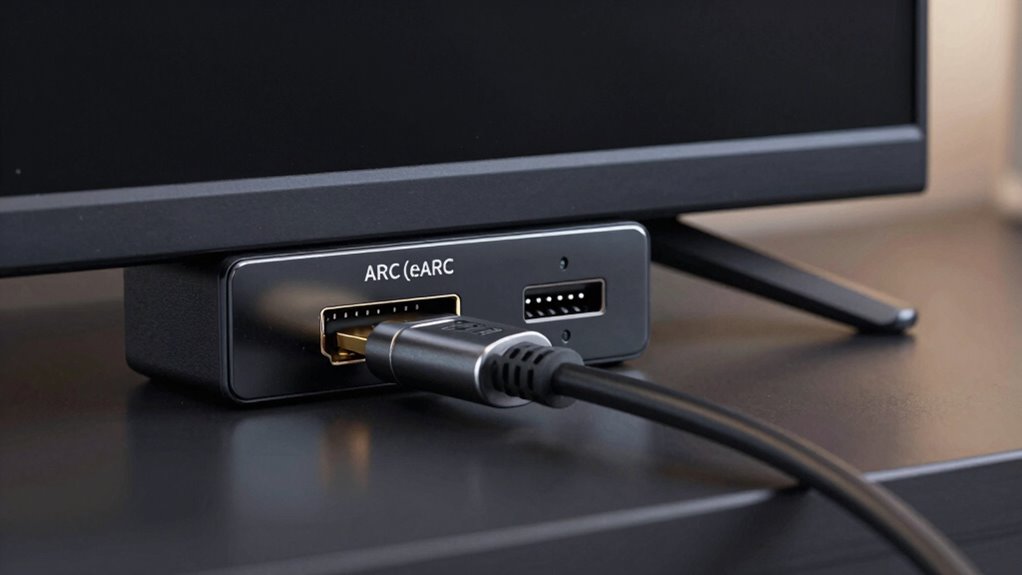

The main difference between ARC and eARC is the HDMI port’s bandwidth capacity. eARC supports higher bandwidth through a certified Ultra High-Speed HDMI cable, enabling it to transmit uncompressed, lossless audio formats like Dolby TrueHD and DTS-HD Master Audio. This means richer sound and fewer sync issues. If you want seamless, high-quality audio in your home theater, understanding this port difference is key. Keep going to uncover more about how this upgrade can transform your setup.
Key Takeaways
- eARC uses a dedicated HDMI port with higher bandwidth, enabling support for uncompressed, lossless audio formats.
- ARC can transmit compressed audio, but eARC handles high-bitrate, uncompressed audio for superior sound quality.
- eARC requires an Ultra High-Speed HDMI cable, while ARC works with standard High-Speed HDMI cables.
- The port designated for eARC ensures compatibility with advanced audio formats and simplifies setup.
- Using the eARC port unlocks full audio fidelity benefits, significantly enhancing home theater audio experience.
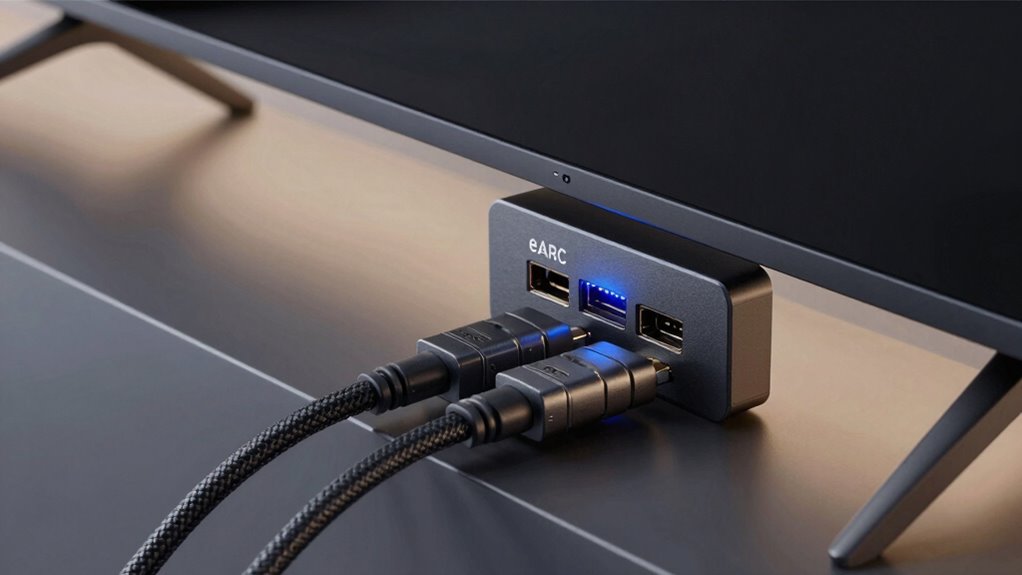
The main distinction lies in the bandwidth and audio formats each supports. ARC can transmit compressed audio formats like Dolby Digital and DTS, but it struggles with high-bitrate, uncompressed formats such as Dolby TrueHD or DTS-HD Master Audio. eARC, on the other hand, can handle these high-resolution formats thanks to its increased bandwidth, providing you with richer, more detailed sound. If you’re a cinephile or an audiophile, this difference is noticeable, especially with movies and music that rely on lossless audio.
Another critical aspect is HDMI cable requirements. For ARC, most standard High-Speed HDMI cables work fine, but to fully *access* eARC’s capabilities, you need a certified Ultra High-Speed HDMI cable. These cables ensure the high bandwidth needed for uncompressed audio to transfer seamlessly. Using the right cable prevents issues like audio dropouts or lip-sync problems, which are common when incompatible cables are used. When setting up or upgrading your home theater, verify that your HDMI cables meet the specifications for eARC to *maximize* sound quality.
Additionally, the compatibility of your devices with ARC or eARC can influence your overall experience, so it’s important to check the specifications before purchasing new equipment. The convenience of eARC extends beyond just audio quality. It simplifies your setup because it allows for a single HDMI connection between your TV and sound system, reducing cable clutter and making operation easier. This streamlined connection also supports automatic device recognition and control, so your system adjusts settings automatically when you turn on your TV or soundbar. Ensuring your devices support audio return channel can significantly enhance your home theater experience. Moreover, device compatibility is crucial to unlocking the full potential of eARC features and avoiding connectivity issues.
Furthermore, understanding the audio formats supported by your devices can help you choose the best setup for your needs. To fully leverage these formats, it’s also beneficial to be aware of the bandwidth capabilities of your system, as higher bandwidth allows for a broader range of high-quality audio.

Zeskit Certified 2.1 8K HDMI Cable 48Gbps 4K120Hz Compatible with Soundbar eARC HDR10 VRR Dolby Vision Atmos HDCP 2.2 & 2.3 Gaming PS5 Xbox Series X Apple TV Roku Monitor (Ultra High Speed Maya 6ft)
- Cable Length: 6.5 feet (2 meters)
- Certification: Ultra High Speed HDMI Certified
- Bandwidth: 48Gbps for high-speed data
As an affiliate, we earn on qualifying purchases.
As an affiliate, we earn on qualifying purchases.
Frequently Asked Questions
Can I Upgrade My Existing HDMI Port to eARC?
You can’t upgrade an existing HDMI port to eARC because ports are hardware components. Instead, you’ll need a new device or TV with an eARC-compatible HDMI port. Check your device’s compatibility, especially with the latest audio formats like Dolby Atmos or DTS:X. Upgrading guarantees you get the best audio quality and device compatibility, allowing seamless transmission of high-quality sound from your TV to your sound system.
Do All HDMI Cables Support eARC?
Not all HDMI cables support eARC because support depends on HDMI standards and the cable’s quality. To verify compatibility with eARC, you need an HDMI cable labeled as “High-Speed” or “Ultra High-Speed,” which can handle the increased bandwidth needed for advanced audio formats. Using the right cable guarantees you’re able to transmit the full range of audio formats, providing the best sound quality with your eARC-enabled devices.
Is eARC Compatible With Older Audio Devices?
eARC is like a modern translator, but it might struggle with vintage compatibility. If your older audio devices lack eARC support, they probably won’t handle the new audio formats, limiting your experience. While some adapters exist, they often don’t fully support advanced audio formats, so be aware that eARC is mainly designed for newer equipment. To get the best sound, consider upgrading your devices for seamless audio format support.
How Does eARC Impact Audio Latency?
eARC reduces audio latency by improving signal processing and synchronization between your devices. This means you experience less audio delay, keeping sound perfectly synchronized with the visuals. With faster, more efficient transmission, eARC minimizes audio lag, ensuring better audio synchronization during gaming or watching movies. You’ll enjoy a seamless audio experience, especially with high-bitrate formats, without the frustrating delay that can occur with older audio connection types.
Can I Use ARC and eARC Simultaneously?
Certainly, you can use both ARC and eARC, but it’s best to understand their connection compatibility. While some devices support switching seamlessly, others may prioritize one over the other, affecting audio formats like Dolby Atmos or DTS:X. Think of it as a diplomatic dance—your setup might handle both, but for maximum performance and compatibility, sticking to one port or ensuring your devices are compatible with both standards guarantees a smoother audio experience.
Conclusion
Think of ARC and eARC as different roads leading to the same destination: your perfect home audio experience. With ARC, you’re on a small, winding trail—fine for basics but limited in scope. eARC, on the other hand, is like a wide, fast highway, handling high-quality audio with ease. Choosing eARC is like upgrading to this fast lane, ensuring your sound system delivers clarity and depth, transforming your living room into a concert hall.