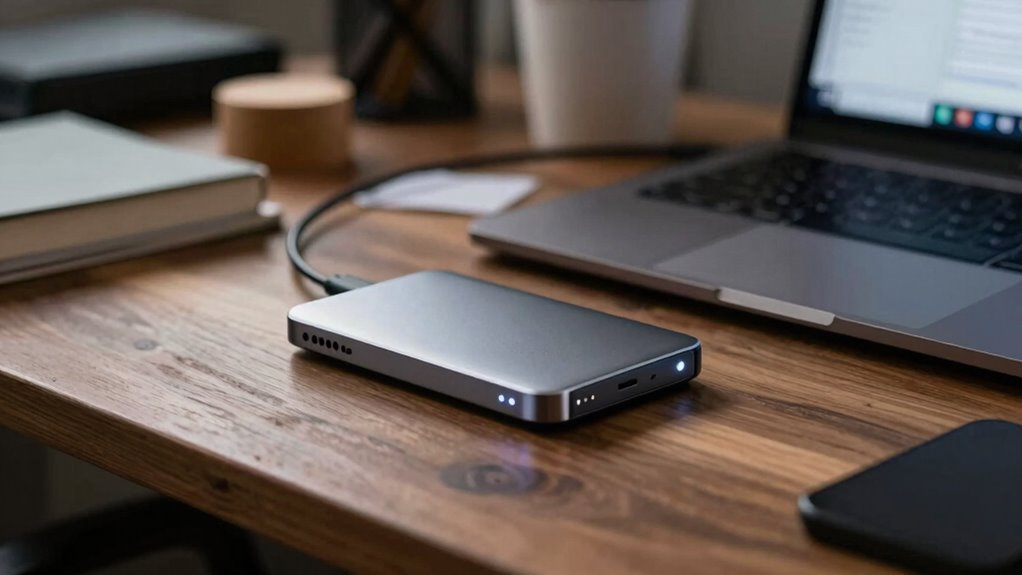

Using an external SSD as a work drive offers you fast data transfer, portability, and the ability to handle demanding tasks on the go. However, it also brings risks like theft, loss, or data corruption if not handled properly. To stay secure, you should use encryption and backup your data regularly. Want to find out how to maximize performance while keeping your information safe? Keep exploring for more essential tips.
Key Takeaways
- External SSDs offer high-speed data transfer and portability, enhancing work efficiency on the go.
- They provide reliable storage for large files and multimedia editing tasks.
- Portability increases theft or loss risk, requiring encryption and secure backup strategies.
- Proper handling and safe ejection practices prevent physical and data corruption issues.
- Regular backups, encryption, and cautious usage mitigate security vulnerabilities associated with external drives.
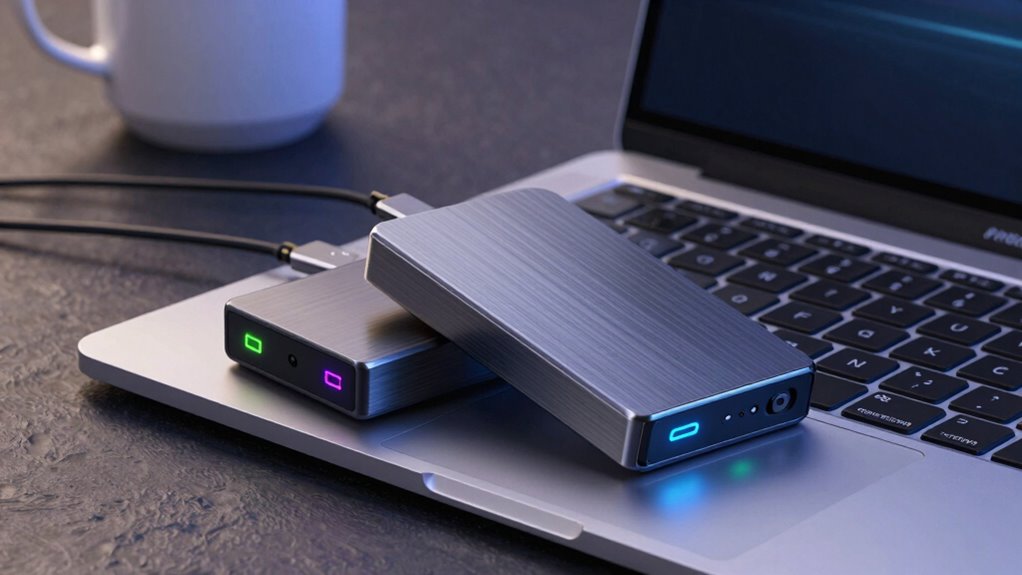
External SSDs have become a popular choice for work drives because they offer fast, reliable storage that can easily keep up with demanding tasks. Their speed makes them ideal for transferring large files, running applications, or editing multimedia on the go. But while they provide impressive convenience and performance, you need to be mindful of potential risks, especially regarding data security and backup strategies.
One key aspect to contemplate is data encryption. Since external SSDs are portable, they’re more vulnerable to theft or loss. If sensitive work data is stored unencrypted, someone who finds or steals your drive could access confidential information easily. To prevent this, you should enable data encryption on your drive. Many modern SSDs come with built-in encryption features, or you can use third-party software to secure your data. This extra layer of security ensures that even if your drive falls into the wrong hands, your information remains protected.
Along with encryption, developing a solid backup strategy is essential. External SSDs are reliable, but no storage device is fail-proof. You don’t want to risk losing important work due to hardware failure, accidental deletion, or corruption. Regularly backing up your data to multiple locations—like cloud storage or another external drive—gives you peace of mind. Automated backup solutions can streamline this process, ensuring your data stays current without requiring manual intervention. Remember, relying solely on an external SSD for your data isn’t enough; having multiple copies stored safely elsewhere minimizes your risk of data loss.
While external SSDs excel at speed and portability, they can sometimes be risky if you don’t take proper precautions. Be aware of how you handle your drive—avoid exposing it to extreme temperatures, moisture, or physical shocks. Properly eject it before disconnecting to prevent data corruption. Also, consider the security implications of using a shared or public computer. Using encryption and secure backup methods becomes even more critical in these scenarios. Additionally, understanding data security risks associated with portable storage devices can help you make informed decisions to protect your work.

SANDISK 1TB Extreme Portable SSD (Old Model) – Up to 1050MB/s, USB-C, USB 3.2 Gen 2, IP65 Water and Dust Resistance, Updated Firmware – External Solid State Drive – SDSSDE61-1T00-G25
Get NVMe solid state performance with up to 1050MB/s read and 1000MB/s write speeds in a portable, high-capacity…
As an affiliate, we earn on qualifying purchases.
As an affiliate, we earn on qualifying purchases.
Frequently Asked Questions
How Do External SSDS Compare to Internal SSDS in Speed?
External SSDs generally offer similar data transfer speeds to internal SSDs, thanks to comparable hardware like NVMe or SATA interfaces. However, external drives might experience slight slowdowns due to connection types, like USB or Thunderbolt, which can affect performance. You should also consider hardware durability; external SSDs face more physical risks, so handle them carefully to avoid data loss or damage during transfers.
Are External SSDS Compatible With All Operating Systems?
Imagine you’re browsing a vintage arcade and wondering if your external SSD will play nice. The truth is, most external SSDs are compatible with Windows, macOS, and Linux, but compatibility issues can pop up—especially with older systems. Data encryption adds a layer of security, but it might also cause setup hiccups. Always check the drive’s specifications for OS support to avoid any compatibility surprises.
What Are the Best Security Features for External SSDS?
You should prioritize external SSDs with strong security features like data encryption and physical security. Look for models that offer hardware encryption, which protects your data even if the drive is lost or stolen. Physical security measures, such as Kensington lock compatibility or rugged casing, help prevent unauthorized access. Combining these features guarantees your sensitive information stays protected, giving you peace of mind while working on the go.
How Do I Safely Disconnect an External SSD?
Imagine you’re a skilled locksmith, carefully removing a valuable key. To safely disconnect your external SSD, always eject it via your computer’s “Safely Remove Hardware” option before unplugging. This prevents data corruption and makes data recovery easier if issues arise. Incorporate reliable backup strategies to protect your data. Always make certain no ongoing transfers or backups are happening, and avoid disconnecting during file operations to keep your data safe.
What Is the Typical Lifespan of an External SSD?
Your external SSD typically lasts around 5 to 10 years, depending on usage and quality. Heavy data recovery activities or frequent writes can shorten its lifespan, especially if you push the storage capacity close to its limit. To maximize its longevity, avoid abrupt disconnections and keep backups. Regularly monitoring its health helps prevent data loss, ensuring your important files stay safe longer.

Samsung T7 Portable SSD, 1TB External Solid State Drive, Speeds Up to 1,050MB/s, USB 3.2 Gen 2, Reliable Storage for Gaming, Students, Professionals, MU-PC1T0T/AM, Gray
MADE FOR THE MAKERS: Create; Explore; Store; The T7 Portable SSD delivers fast speeds and durable features to…
As an affiliate, we earn on qualifying purchases.
As an affiliate, we earn on qualifying purchases.
Conclusion
So, savvy storage seekers, while external SSDs shine with speed and simplicity, stay sharp about security and stability. The tempting convenience can sometimes come with a costly caveat—compromised data or crashes. By balancing boldness with backup, you’ll bask in the benefits without biting into risks. Keep your files safe, your workflow swift, and your worries well-watched. Storage success is just a smart, secure, and savvy step away!

Vansuny 250GB Portable External SSD, USB 3.1 Gen2 430MB/s High-Speed Data Transfer, Metal USB C Mini Portable External Solid State Drive for PC, Laptop, Phones and More
▲Ultra-Fast Transfer Speed – Read and write speed can respectively reach up to 430MB/s and 350MB/s, which enables…
As an affiliate, we earn on qualifying purchases.
As an affiliate, we earn on qualifying purchases.

WD 2TB My Passport for Mac, Navy, Portable External Hard Drive with backup software and password protection, USB 3.1/USB 3.0 compatible – WDBA2D0020BBL-WESN
Designed for Mac.
As an affiliate, we earn on qualifying purchases.
As an affiliate, we earn on qualifying purchases.