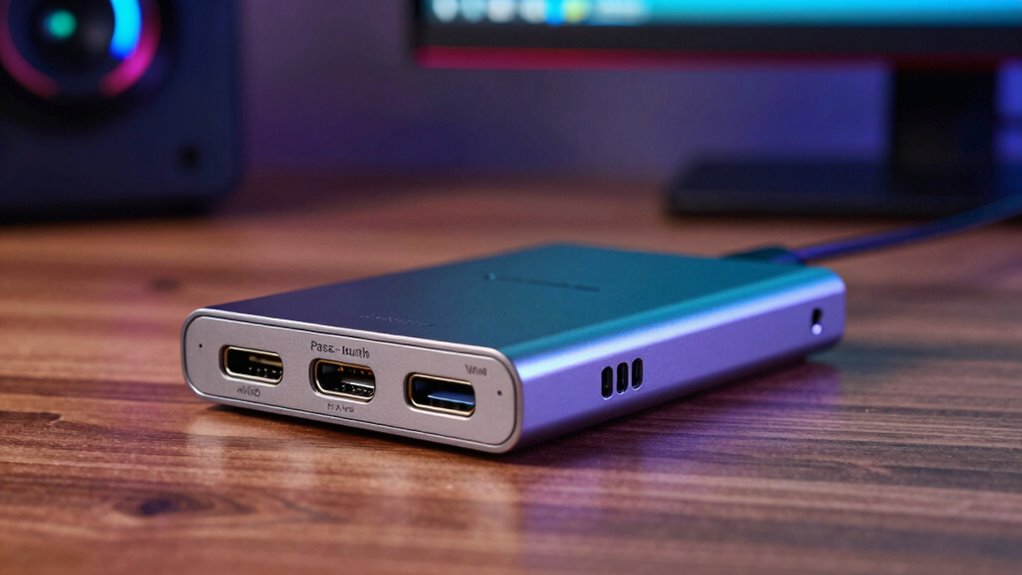

A capture card acts as a bridge between your gaming device and your streaming or recording setup, allowing you to capture high-quality footage. Pass-through technology sends your gameplay directly to your monitor with minimal delay, so your gaming feels natural. However, latency can occur due to processing delays, connection types, or system performance. To keep things smooth, using quality cables and the right setup is key. If you continue, you’ll discover more about how these features work together.
Key Takeaways
- Pass-through technology allows gameplay to be displayed directly on the monitor without delay while simultaneously recording or streaming.
- 4K60 capture cards support high-resolution, high-frame-rate video, ensuring crisp visuals for gameplay and professional content.
- Latency occurs due to processing delays in the capture device, computer performance, and connection types like USB 3.0 or HDMI.
- Proper setup with quality cables and optimized hardware minimizes latency, maintaining real-time responsiveness during gameplay and recording.
- Choosing a capture card with pass-through and high-resolution support balances smooth gameplay, high-quality recording, and minimal lag.
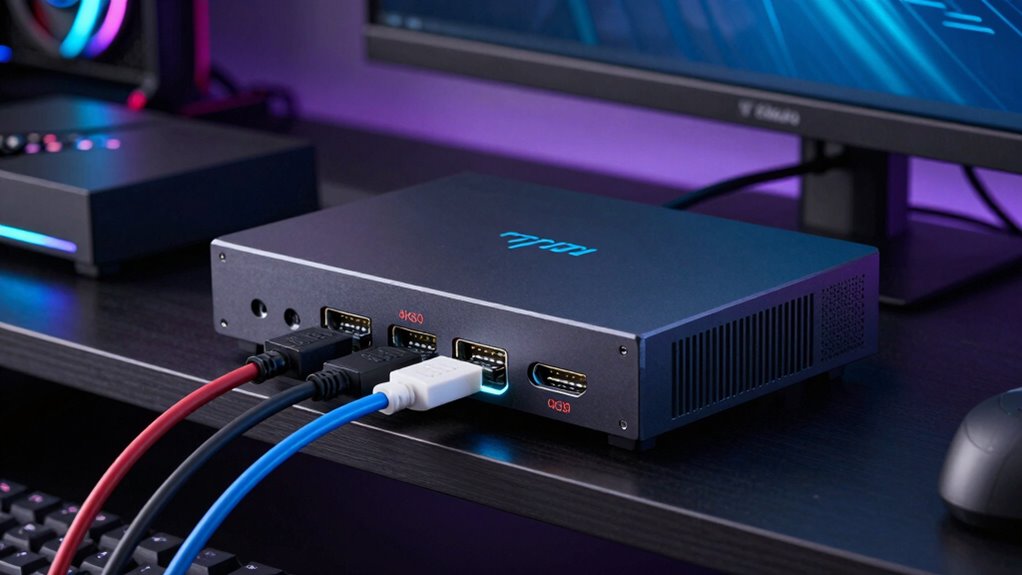
Ever wondered how gamers stream their gameplay or how content creators record high-quality footage? The secret often lies in using a capture card. This device acts as a bridge between your gaming console or PC and your recording or streaming setup, allowing you to capture high-resolution footage with minimal fuss. When choosing a capture card, you need to consider factors like gaming performance and hardware compatibility. Gaming performance is essential because a capture card shouldn’t bottleneck your system or cause lag during intense gaming sessions. It must handle the data stream efficiently, especially if you’re aiming for high frame rates or resolutions like 4K60. Hardware compatibility is equally important—you want to guarantee the capture card works seamlessly with your existing setup, whether you’re using a PC, Mac, or gaming console. Not all capture cards are universally compatible, so checking your system’s ports, operating system, and supported input devices is indispensable.
Understanding pass-through technology is fundamental for maintaining your gaming performance. A good pass-through feature allows the gameplay to run directly to your monitor without noticeable delay while simultaneously sending a video feed to your recording or streaming software. This means you can play smoothly and record high-quality footage without sacrificing responsiveness. Without proper pass-through, you might experience lag, which impacts your gameplay and makes live streaming less professional. Many modern capture cards support 4K60 pass-through, enabling you to enjoy crisp, high-resolution gameplay on your monitor while capturing or streaming in the same resolution. This dual functionality ensures your viewers experience top-tier visuals without compromising your gaming experience.
Latency is another key factor to understand. It happens when there’s a delay between what you do on your game controller and what you see on your screen or what gets recorded. Latency can stem from various sources, including the capture card itself, the processing power of your computer, or the connection type. High latency can cause frustrating lag, making gameplay less responsive, which is especially problematic in fast-paced games. To minimize latency, look for capture cards with optimized hardware and connections like USB 3.0 or HDMI 2.0. Proper setup and using quality cables are also indispensable to ensure smooth, real-time gameplay and recording. In short, choosing the right capture card involves balancing features like pass-through capabilities, resolution support, and latency management—all while guaranteeing your hardware is compatible to avoid bottlenecks and performance issues.

Capture Card, 4K HDMI Video Capture Card, Game Capture Card, 1080P 60FPS Video Capture Device, HDMI to USB 3.0 Capture Card for Streaming, Work with Camera/Xbox/PS4/PS5/PC/OBS
- High-Resolution Capture: Supports up to 1080p at 60FPS
- Broad Device Compatibility: Works with PS4, Xbox, DSLR, and more
- Plug and Play: No drivers or external power needed
As an affiliate, we earn on qualifying purchases.
As an affiliate, we earn on qualifying purchases.
Frequently Asked Questions
Can Capture Cards Be Used for Live Streaming on Multiple Platforms Simultaneously?
Yes, you can use capture cards for multi-platform streaming and simultaneous broadcasting. They capture your gameplay or video feed and send it to your computer, which then streams to multiple platforms at once. To do this effectively, you’ll need streaming software that supports multi-streaming, like Restream or Streamlabs. Make sure your capture card has enough bandwidth and low latency to guarantee smooth, synchronized streams across all platforms.
What Are the Differences Between Internal and External Capture Cards?
Imagine you’re streaming from a gaming laptop. An internal capture card, installed inside your PC, offers better performance and lower latency, ideal for high-quality streams. Conversely, an external capture card is portable, letting you easily switch setups or use different computers. Internal cards prioritize performance, while external ones focus on portability. Your choice depends on whether you need a powerful, stable connection or mobility for on-the-go streaming.
How Do Different Cable Types Affect Capture Card Quality?
Different cable types notably impact your capture card quality by affecting signal degradation. High-quality cables, like HDMI 2.0 or DisplayPort, deliver clearer signals with minimal degradation, ensuring sharp, smooth footage. Cheaper or older cables may introduce signal loss, causing pixelation or lag. Always choose cables that match your resolution and bandwidth needs to maintain ideal image quality and reduce latency, giving you a better streaming or recording experience.
Are There Specific Capture Cards Optimized for Gaming Versus Professional Video Editing?
Did you know that over 60% of gamers prefer capture cards optimized for gaming? Yes, many models prioritize gaming optimization with high frame rates and low latency, ensuring smooth gameplay capture. Meanwhile, professional video editing capture cards focus on professional features like 10-bit color depth and multi-channel support. So, if you’re gaming, choose a card with gaming-specific features; for professional editing, opt for one with advanced video capabilities.
How Does Temperature Impact the Performance of High-End Capture Cards?
Temperature greatly impacts your high-end capture card’s thermal performance. When it gets too hot, it can cause overheating, leading to performance drops or crashes. Using effective cooling solutions, like airflow fans or heatsinks, helps maintain ideal temperatures. Keeping the device cool ensures smooth streaming, low latency, and reliable performance during intense gaming or professional workflows. Always monitor temperatures and invest in proper cooling to maximize your capture card’s lifespan and efficiency.
Conclusion
Understanding capture cards helps you optimize your gaming or streaming setup. Did you know that high-quality capture cards can introduce latency delays of just a few milliseconds? That tiny delay might seem insignificant, but it can impact your gameplay and viewer experience. By choosing the right pass-through and 4K60 capabilities, you guarantee smooth, high-resolution streams with minimal lag. So, investing in the right capture card makes all the difference for pro-level streaming and seamless gameplay.