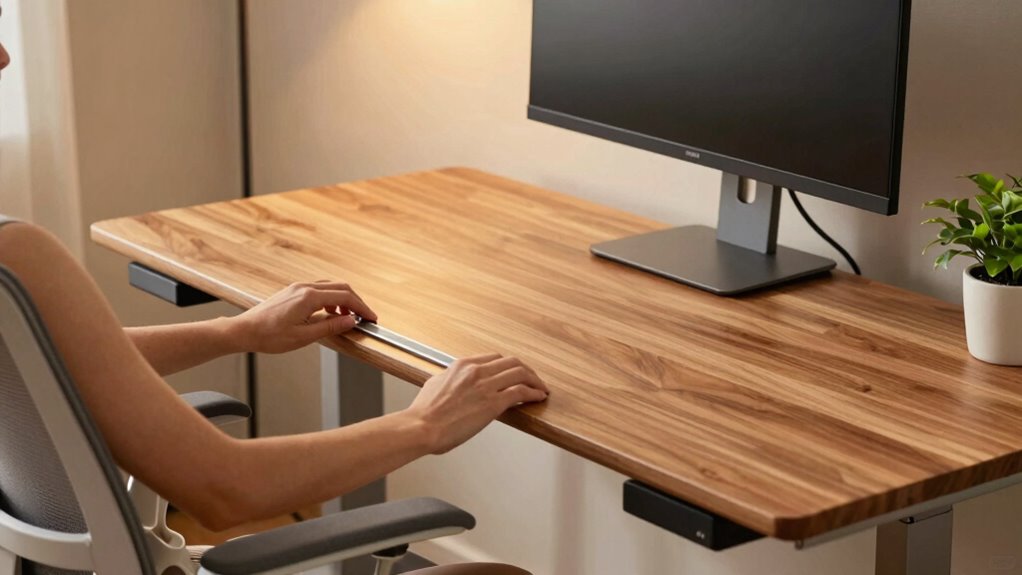

To set your standing desk height and stop shoulder pain quickly, start by adjusting it so your elbows are at a 90° angle when your hands rest on the keyboard. Your forearms should be parallel to the floor, and your monitor should be at eye level to prevent neck strain. Use adjustable features to fine-tune your setup for maximum comfort. Keep exploring to discover more tips for perfect ergonomics and long-term relief.
Key Takeaways
- Adjust the standing desk so your elbows are at a 90° angle when your hands are on the keyboard.
- Ensure the monitor top is at or just below eye level to prevent neck strain.
- Use adjustable monitor arms and keyboard trays for quick, precise height adjustments.
- Keep forearms parallel to the floor and shoulders relaxed to reduce shoulder pain.
- Regularly fine-tune your setup for comfort, maintaining natural posture and reducing strain during prolonged standing.
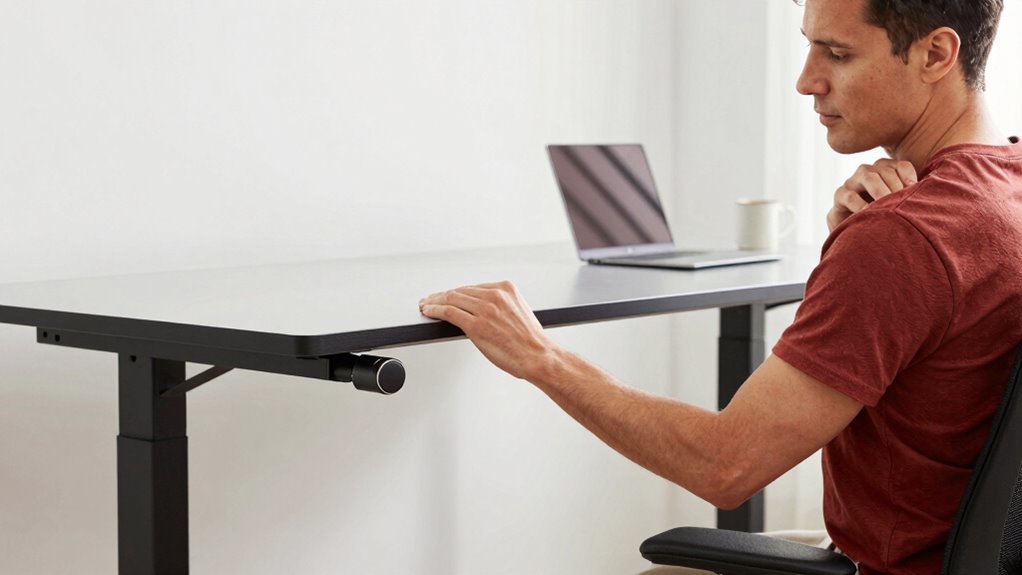
Are you wondering how to find the perfect standing desk height? Getting this right is essential for comfort and productivity, especially if you want to avoid shoulder pain and fatigue. The good news is that setting up your desk doesn’t have to be complicated or time-consuming. With just a few adjustments and some ergonomic accessories, you can create a workspace that supports your body’s natural posture. The key lies in understanding adjustable features and how they can help you fine-tune your desk to fit your height perfectly.
Start by adjusting your desk height so that your elbows form roughly a 90-degree angle when your hands are on the keyboard. Your forearms should be parallel to the floor, not angled up or down. This position minimizes strain on your shoulders and neck. Many standing desks come with ergonomic accessories, such as keyboard trays or monitor arms, which make fine-tuning easier. These accessories allow you to position your keyboard, mouse, and monitor at ideal heights, reducing the tendency to hunch your shoulders or crane your neck forward. If your desk doesn’t have adjustable features, consider adding these accessories to enhance flexibility and comfort.
Next, pay attention to your monitor height. The top of your screen should be at or just below eye level. If it’s too low, you’ll naturally crane your neck downward, causing shoulder tension over time. Conversely, if it’s too high, you’ll strain your neck upward. Adjustable monitor arms are excellent ergonomic accessories that enable you to set the perfect height and distance with minimal effort. They allow you to move your screen closer or further away and adjust the tilt for glare reduction and ideal viewing angles. This way, your head remains aligned with your spine, preventing unnecessary shoulder and neck pain. Additionally, understanding ergonomic principles can help you make smarter adjustments for long-term comfort.

FEZIBO Standing Desk, 48 × 24 Inches Electric Height Adjustable, Sit and Stand Up, Computer Office Desk with Splice Board, White Frame/Maple TOP
- One-Touch Height Adjustment: Easily adjust the FEZIBO electric…
- Outstanding Stability: Built with a reinforced steel…
- Powerful Motor: Uprated lifting performance with reliable…
As an affiliate, we earn on qualifying purchases.
As an affiliate, we earn on qualifying purchases.
Frequently Asked Questions
How Often Should I Adjust My Standing Desk Height?
You should adjust your standing desk height whenever you notice discomfort or your posture isn’t ideal. Regular desk calibration helps maintain height consistency, so check it at least once a week. If you switch between sitting and standing, make small adjustments throughout the day to prevent strain. Staying attentive to your body’s signals ensures you keep your desk at the perfect height, reducing shoulder pain and promoting better ergonomics.
Can a Standing Desk Help With Lower Back Pain?
Yes, a standing desk can help reduce lower back pain by promoting better posture. To maximize benefits, wear ergonomic footwear that supports your feet and shift your weight regularly. Use a footrest to relieve pressure on your lower back and encourage movement. Adjust the desk height so your hips are slightly above your knees, keeping your spine aligned. These tips help prevent strain and promote comfort during long standing periods.
What Accessories Improve Standing Desk Ergonomics?
You can improve your standing desk ergonomics by using monitor risers to elevate your screen to eye level, reducing neck strain. Anti-fatigue mats help lessen foot and leg fatigue, encouraging comfortable standing for longer periods. Combining these accessories with proper desk height adjustment ensures better posture, minimizes discomfort, and boosts productivity. Make sure your keyboard and mouse are positioned comfortably to prevent shoulder and wrist strain.
Is a Sit-Stand Desk Suitable for All Day Use?
A sit-stand desk can be suitable for all-day use if you incorporate ergonomic mats and adjustable footrests. These accessories help you maintain comfort and proper posture, reducing fatigue and strain. Alternating between sitting and standing prevents stiffness, making all-day use feasible. Just guarantee your desk is properly adjusted and take regular breaks to stretch. With the right setup, you can work comfortably and sustainably throughout the day.
How Do I Prevent Fatigue When Using a Standing Desk?
To prevent fatigue when using a standing desk, you should take regular breaks and shift your weight frequently. Wear supportive shoes to reduce foot fatigue and stretch your legs to prevent cramps. Adjust the desk height so your elbows are at a 90-degree angle, and alternate between sitting and standing. Keeping your posture correct and moving often helps reduce discomfort and keeps you energized throughout the day.
Conclusion
Adjusting your standing desk to the right height might seem like a hassle, but it’s worth it. Picture yourself working comfortably, shoulders relaxed, without that nagging pain. Just a quick tweak now and then keeps your body happy and focused. Don’t let discomfort drag you down—set your desk correctly, and feel the difference instantly. It’s a simple change that can transform your workday into a pain-free, productive one.