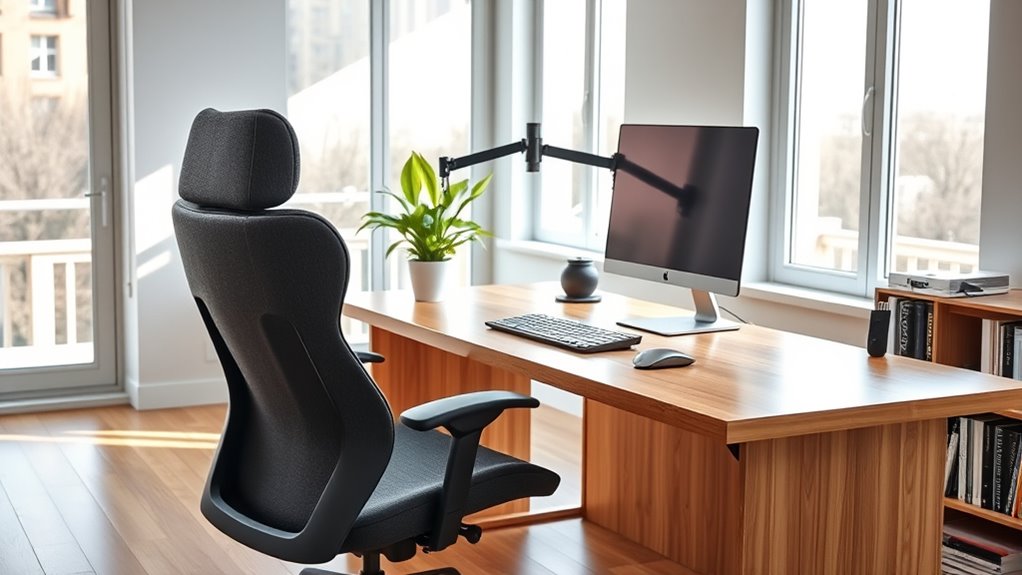

To create an ergonomic home office setup, position your keyboard with elbows close to your sides and forearms parallel to the ground, keeping wrists relaxed and straight. Use adjustable desks or keyboard trays for proper height. Maximize natural light near windows, supplemented by task lighting that minimizes glare. Regularly assess your workspace and make small adjustments to stay comfortable, ensuring better posture and productivity—keep exploring for more tips to optimize your workspace even further.
Key Takeaways
- Position your keyboard with elbows close to your sides and forearms parallel to the ground for optimal comfort.
- Use adjustable desks or keyboard trays to ensure the keyboard is at the proper height, reducing wrist strain.
- Incorporate natural light near your workspace and add task lighting to minimize eye strain and glare.
- Arrange your monitor at eye level, keeping a comfortable distance to prevent neck and eye fatigue.
- Regularly evaluate and adjust your setup to maintain comfort and prevent repetitive strain injuries.
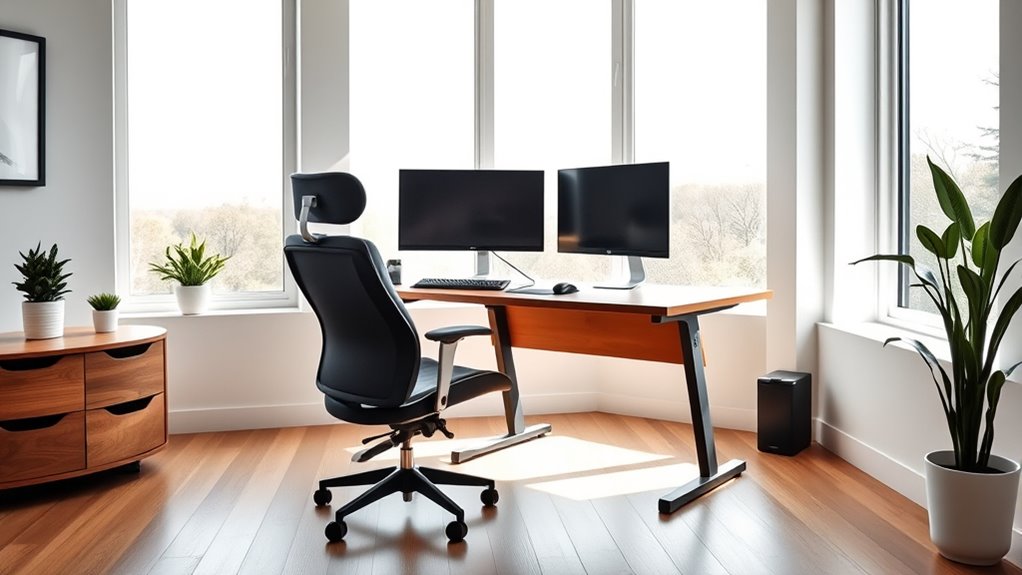
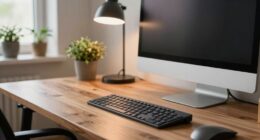
Creating an ergonomic home office setup is essential for maintaining comfort and productivity during long work hours. When setting up your workspace, pay close attention to keyboard placement. Your keyboard should be positioned so that your elbows are close to your sides and your forearms are parallel to the ground. This alignment helps reduce strain on your wrists and shoulders, preventing discomfort and repetitive strain injuries. Keep the keyboard directly in front of you, not off to the side, to avoid twisting your torso or reaching awkwardly. Consider using a keyboard tray or adjustable desk to achieve the ideal height, ensuring your wrists stay straight and relaxed while typing. Proper placement not only boosts comfort but also enhances typing efficiency, allowing you to work more comfortably for extended periods. Incorporating sound design principles can also improve your workspace environment by reducing noise distractions and creating a more focused atmosphere.
Lighting enhancement is another vital aspect of an ergonomic home office. Proper lighting reduces eye strain and fatigue, which can impair your focus and productivity. Aim for a combination of natural and artificial light. If possible, position your desk near a window to maximize natural daylight, but avoid direct glare on your computer screen. Use blinds or curtains to diffuse sunlight and prevent harsh reflections. Supplement with adjustable task lighting, like a desk lamp, to illuminate your workspace evenly without creating glare. Make sure the light is directed away from your monitor to prevent reflections that can cause eye strain. Bright, well-distributed lighting helps you see your work clearly without squinting or leaning forward, maintaining good posture throughout the day.
Both keyboard placement and lighting enhancement are foundational to creating an ergonomic setup that supports your health and efficiency. Take the time to adjust your workspace until these elements feel natural and comfortable. When your keyboard is at the right height and your lighting is balanced, you’ll find yourself less prone to discomfort and more able to concentrate on your tasks. Remember, small adjustments can make a big difference in your overall comfort and productivity. Regularly reevaluate your setup and make tweaks as needed, especially if you notice any discomfort or fatigue. An ergonomic home office isn’t a one-time setup; it’s an ongoing process of fine-tuning to suit your needs. Prioritize these details, and you’ll create a workspace that supports your well-being and helps you perform at your best every day.

WYRESTORM 4K AI Tracking Conference Webcam, Auto Framing & Presenter Tracking, 120° Wide Angle, Dual Noise Cancelling Mics, Privacy Cover, USB Plug & Play, Zoom Certified for Teams Meeting Rooms
【Built for Small Conference Rooms】Designed specifically for small meeting spaces, this conference room camera system ensures every participant...
As an affiliate, we earn on qualifying purchases.
Frequently Asked Questions
How Often Should I Take Breaks During Work?
You should take a break every 60 to 90 minutes during work. Use this time for stretch breaks to loosen up muscles and improve circulation. Incorporate posture tips like sitting upright and keeping your feet flat on the floor. Regular breaks help prevent strain and fatigue, keeping you focused and comfortable. Remember, short, frequent breaks are more effective than long ones, so listen to your body and move when needed.
What Are the Best Ergonomic Accessories for Small Spaces?
Imagine fitting a functional workspace into a small corner; a monitor stand helps elevate your screen, reducing neck strain and saving desk space. Pair it with compact desk organizers to keep essentials neatly stored without clutter. These ergonomic accessories optimize limited space, boost productivity, and improve comfort. You’ll create an efficient, cozy home office that supports your work needs without sacrificing style or space.
How Can I Improve Lighting in My Home Office?
You can improve lighting in your home office by maximizing natural light; position your desk near windows and use light-colored curtains. Add task lighting like adjustable desk lamps to reduce eye strain during work. Consider using LED bulbs with daylight color temperatures to mimic natural light and create a bright, inviting workspace. Combining natural light with focused task lighting helps keep you alert and boosts productivity throughout your workday.
Are Ergonomic Chairs Suitable for Long-Term Use?
Yes, ergonomic chairs are suitable for long-term use because they offer durability and support that adapts to your body. You can make ergonomic adjustments like height, lumbar support, and armrest positioning to guarantee comfort during extended periods. Regularly check the chair’s durability and wear, and make necessary adjustments to maintain proper posture. This way, you’ll stay comfortable and reduce strain even after hours of work.
What Are Budget-Friendly Ergonomic Setup Options?
You can create a comfortable workspace without breaking the bank by exploring budget-friendly alternatives and ergonomic DIY solutions. Look for affordable ergonomic chairs or repurpose cushions for lumbar support, and elevate your monitor using books or stands. Consider adjustable footrests made from household items, and use keyboard and mouse setups that promote natural wrist angles. These simple, cost-effective tweaks help boost comfort and productivity without overspending.

CyberPower CP1500PFCLCD PFC Sinewave UPS Battery Backup and Surge Protector, 1500VA/1000W, 12 Outlets, AVR, Mini Tower, UL Certified
1500VA/1000W PFC Sine Wave Battery Backup Uninterruptible Power Supply (UPS) System designed to support active PFC and conventional...
As an affiliate, we earn on qualifying purchases.
Conclusion
By setting up your home office ergonomically, you prioritize your health and boost productivity. Imagine Sarah, a freelance writer, who switched to an ergonomic chair and adjustable desk—she now feels less neck strain and finishes her projects faster. Small changes can make a big difference in your daily comfort and well-being. So, take action today to create a workspace that supports you, and enjoy the benefits of a healthier, happier work routine.
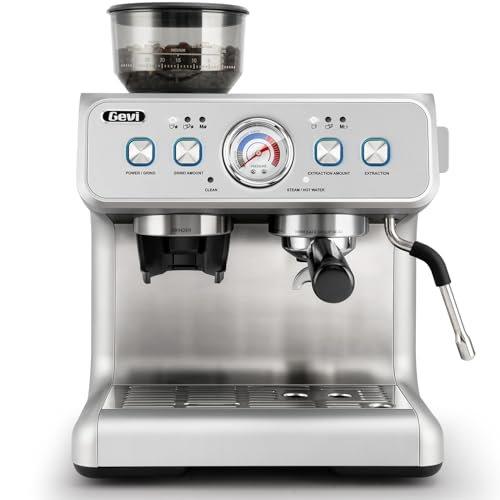
Gevi Dual Boiler Espresso Machine with Built-in Grinder, 58mm Commercial Portafilter, Barista Steam Wand, 31 Grind Settings, Stainless Steel, for Home Barista Use, Sterling Silver
𝐏𝐨𝐰𝐞𝐫𝐟𝐮𝐥 𝐚𝐧𝐝 𝐬𝐭𝐚𝐛𝐥𝐞 𝐏𝐫𝐞𝐬𝐬𝐮𝐫𝐞 𝐒𝐲𝐬𝐭𝐞𝐦 - Gevi espresso machine's high-pressure system expertly manages the flow of water, forcing...
As an affiliate, we earn on qualifying purchases.

OBSBOT Tiny SE 1080P 100FPS Webcam for PC, AI Tracking PTZ Streaming Camera with 1/2.8" Sensor, Gesture Control, Dual ISO, Staggered HDR, Web Camera for Desktop Computer, Laptop, Meeting, Video Calls.
【OBSBOT × EWC 2025 Official Partnership】 OBSBOT is proud to be an official camera & webcam partner of...
As an affiliate, we earn on qualifying purchases.